Get the next one in your inbox
Practical tips for working in a club. Occasional emails, easy unsubscribe.
New Reports Across Clubistry: Forms, Pages, Applications, E-Commerce, and Email Logging
02/26/2026
Reports help you understand what's happening on your site without poking through individual records. Over the past year, several new reports have been added and the ones that were already there have grown. Here's what's available.
Form Reports
Custom Forms now have their own report. You can see all submissions to a form in one view, filter by date, status, or spam status, and download the data as a CSV. You also choose which columns to include, with options for the submitting user, whether the submission has been marked as spam, and (for forms that take payment) the Stripe billing name and email captured at checkout.
To actually mark something as spam, delete spam in bulk, or add notes on a submission, work from the Forms resource directly. The report is a read-only view of the data.
E-Commerce Report
Track sales across your site with the new E-Commerce Report. Run it by order to see what each customer purchased, or run it by product to see how individual products are doing. Either view can be filtered by date range and downloaded as a CSV.
Applications Reports
Membership applications now have a dedicated report. Filter by application status, date range, or specific application form. The status filters have descriptions explaining what each one means, and your filter selections persist when you navigate away and come back, so you don't lose your place.
Page Reports
Page Reports give you a quick overview of every page on your site. Use them to audit your site architecture, see permissions at a glance, find pages that haven't been updated in a while, and check that everything is set up the way you expect.
Email Logging
Every email Clubistry sends from your site is now logged in one place. If a member says they didn't get a renewal reminder or a password reset email, you can verify what was sent and when. This makes troubleshooting email delivery much faster.
Member Reports got better, too
Member Reports already existed, but several improvements landed alongside the new reports.
- Roles filter so you can pull a report of just members in specific roles
- Roles as a column so you can see at a glance who has what access
- Short Label support for member custom fields, used as the column header when a custom field name is too long for a clean spreadsheet
- More columns available, including Updated At and the member's roster privacy choices
- By default, Member Reports now exclude inactive and lapsed members, with options to include them when needed
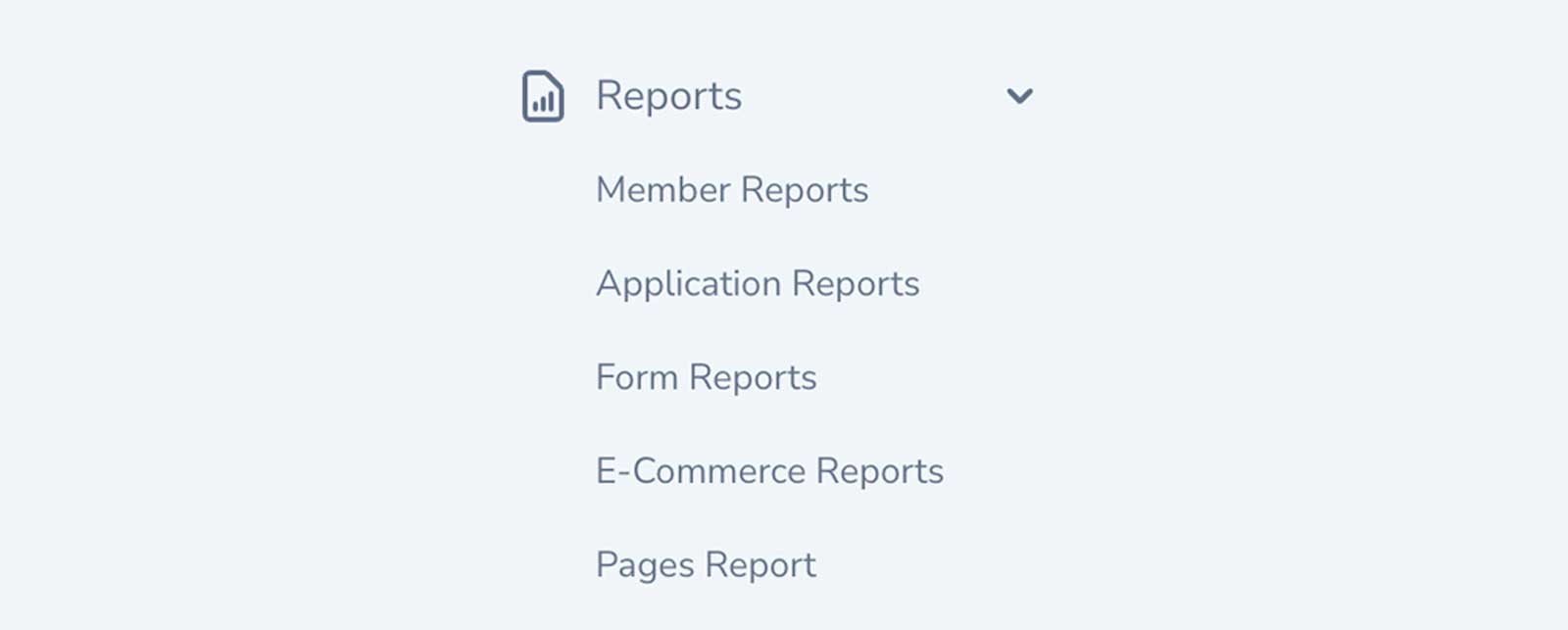
All reports live under the new Reports section in your Club Management Portal navigation.
Like this? Get the next one in your inbox.
Practical articles, tips, and ideas for working in a club. Occasional emails, easy unsubscribe.